# Registration

# Registration

After entering Invoice Number and Invoice Date please use Check and the system will check whether the corresponding invoice has already been recorded.
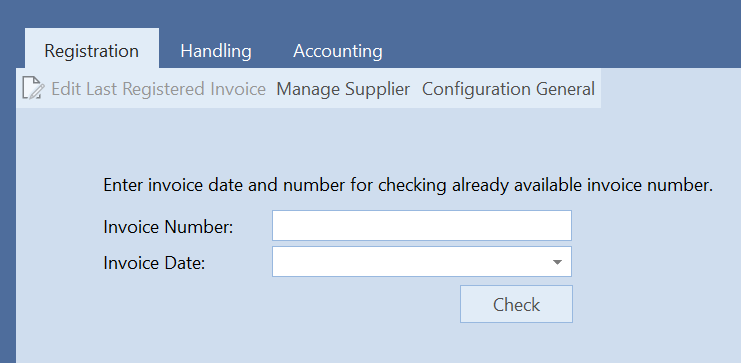
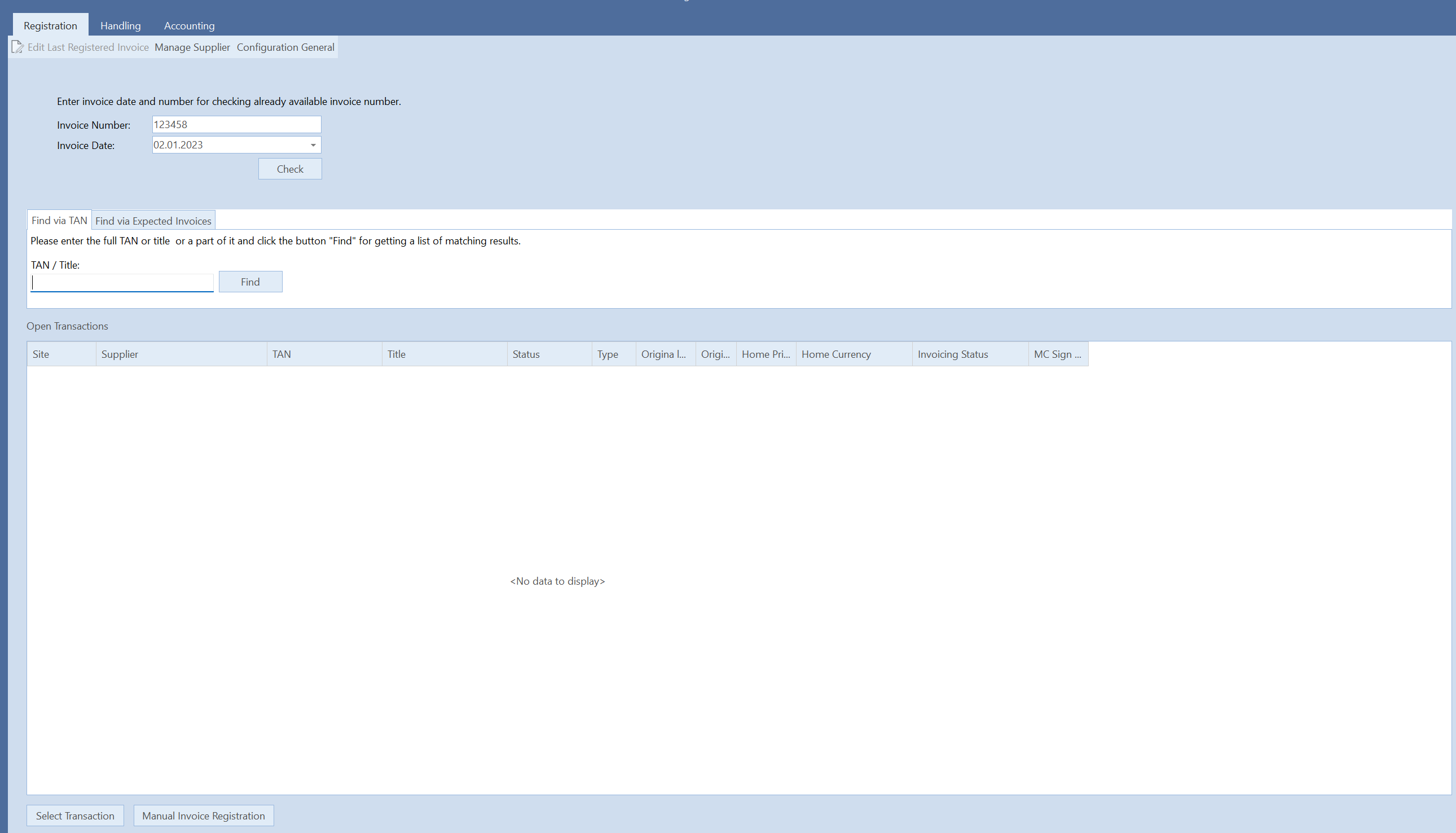
If there is an invoice with the same data, then the invoice will be displayed. With "Yes" the new invoice can still be entered and with "Cancel" the process can be aborted. If the invoice number has not yet been entered by this date, a search form will appear.
When you register, the stamp will appear on display. All attachments will be stamped. After stamping, the stamp is issued again as an info box.

# Provisioned Invoice

General invoices and Master Contracts can be set as provisioned.

# Pre Payment