Crew List Simple
Mange Crew list
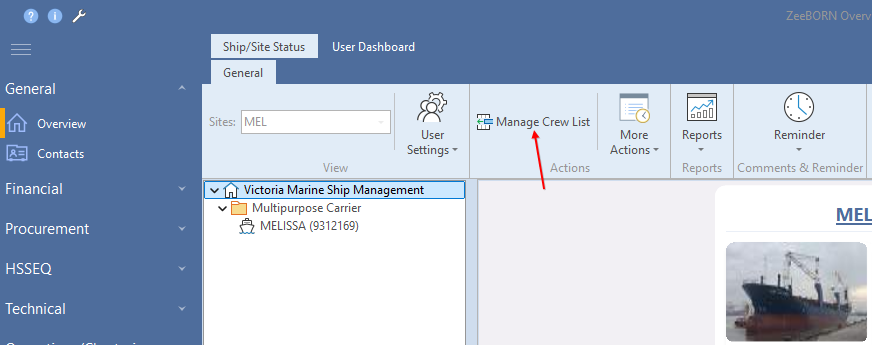
You can find the button for editing the crew list in then module "Overview".
Click on button and the current crew list will be shown.
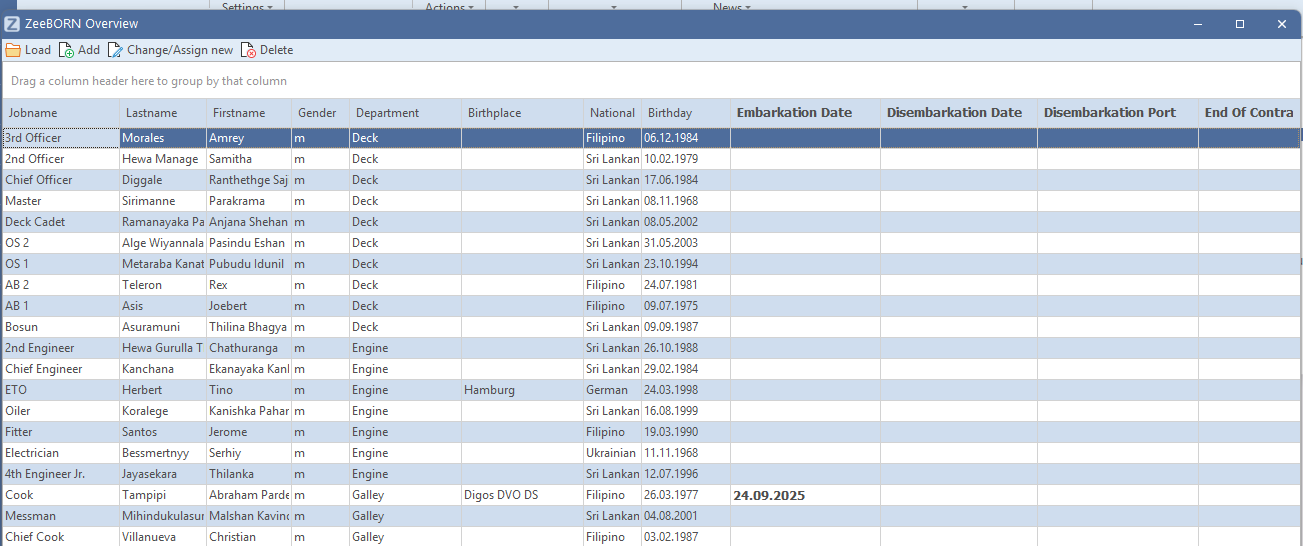
Add new crew for new job
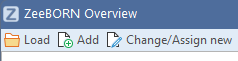
With "Add" you can add a crew member for a new or additional position.
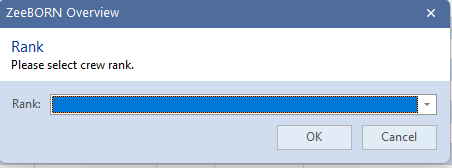
Click on the arrow and all available jobnames will be shown.
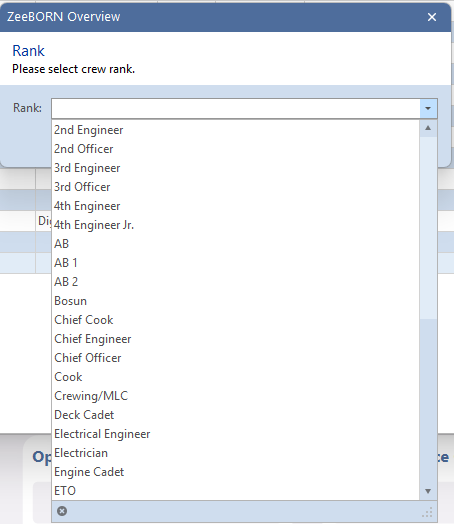
Select Jobname and confirm with "OK".
Change crew member for a position
Select the position where the crew change and click on "Change/Assign new".
Add a new crew member or crew member from crewing
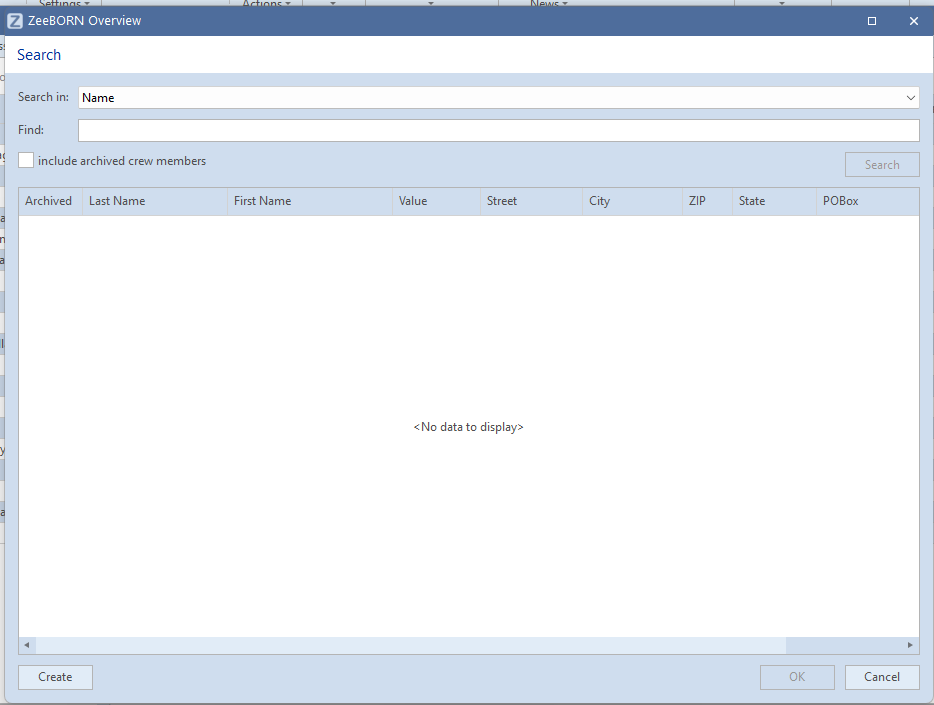
Insert the surname from crew member in "Find". Minimum the first three letter of the name must be given.
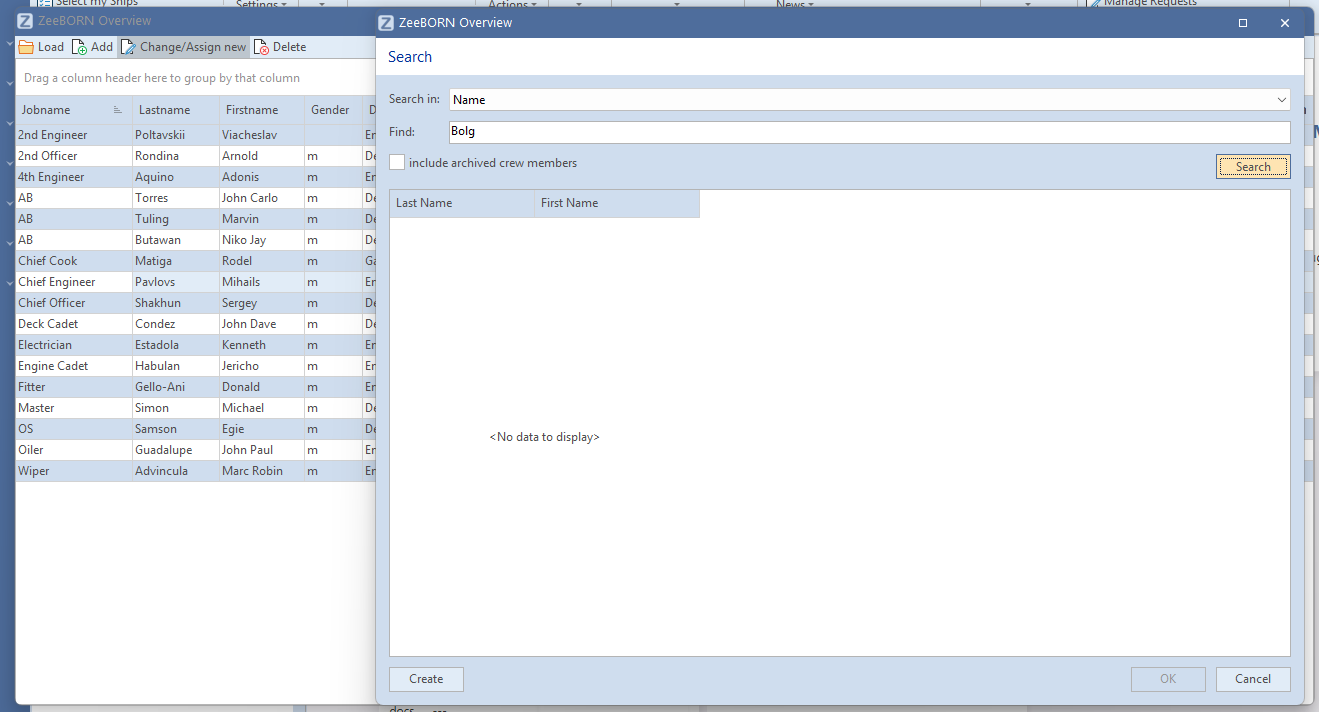
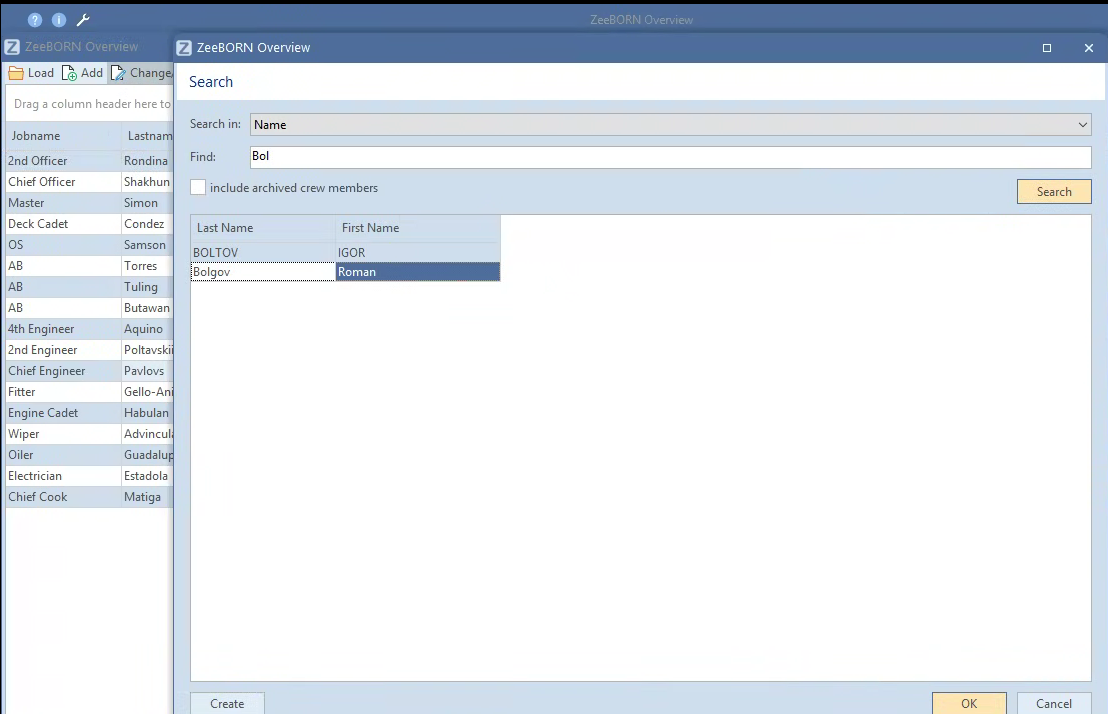
Select the name of the crew member from list and confirm with "OK".
If the crew member will not appear in list, please click on "Create" on the left side of the button.
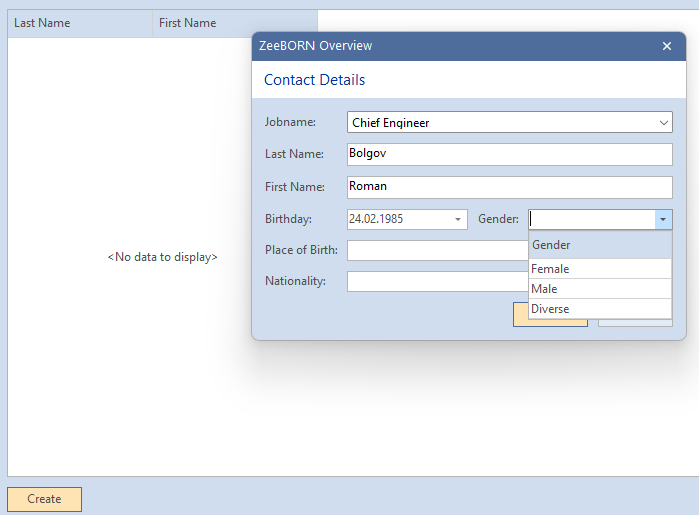
Now insert all needed data as Jobname, Last Name, First Name, Birthday, Gender, Place of Birth and Nationality and confirm with "Ok".
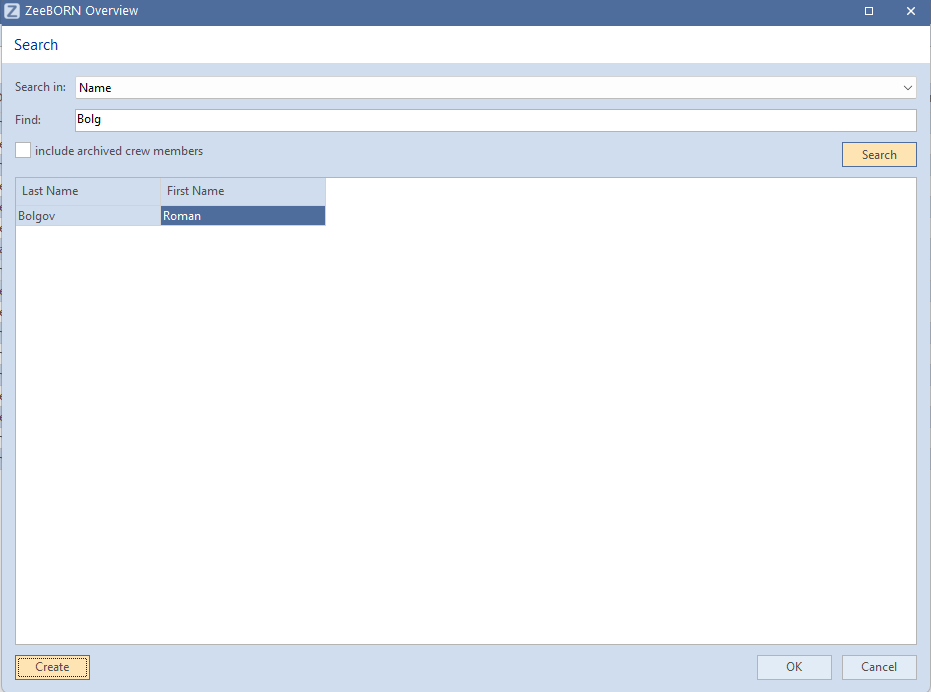
Now the name will appear in list and can be selected.
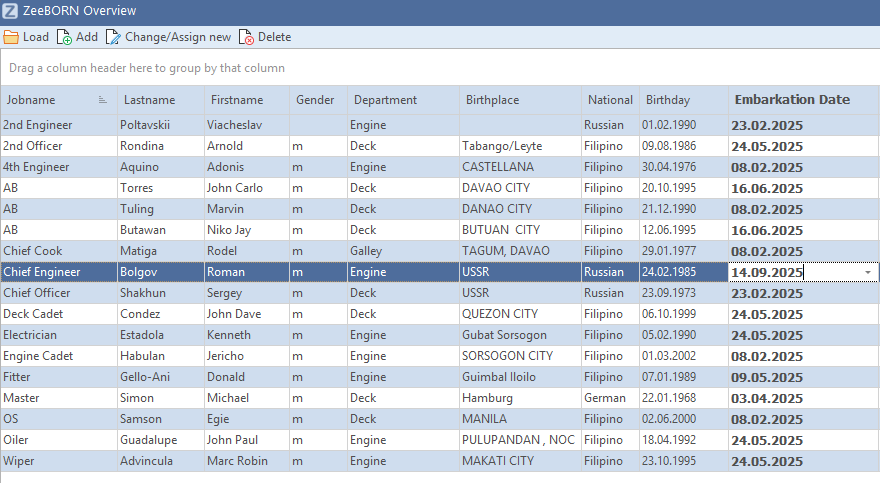
Please fill in the embarkation date. For this please click in field and change the date via calendar or insert the date.
User Account
Please note: whenever a new crew member is created, a corresponding user account must also be set up if the crew member needs to work in the ZeeBORN system. In the future, it will be possible to create this user account directly from the crew list. Until this feature is implemented, please inform us, and we will create the required user account for the crew member.