Reports
Item Overview
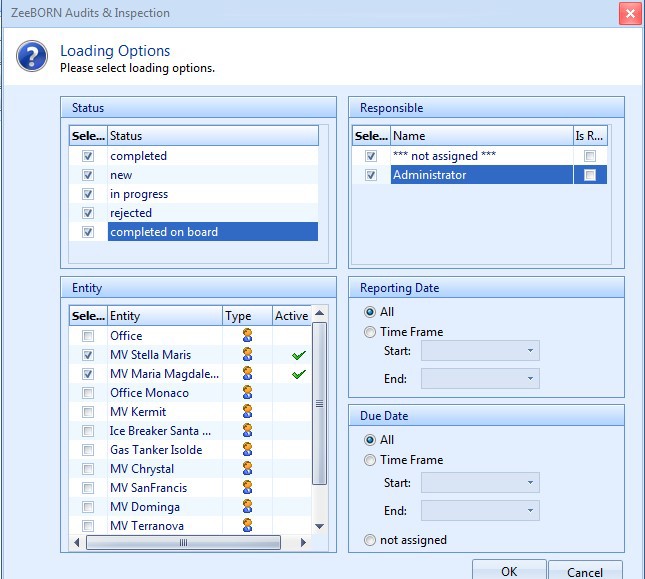
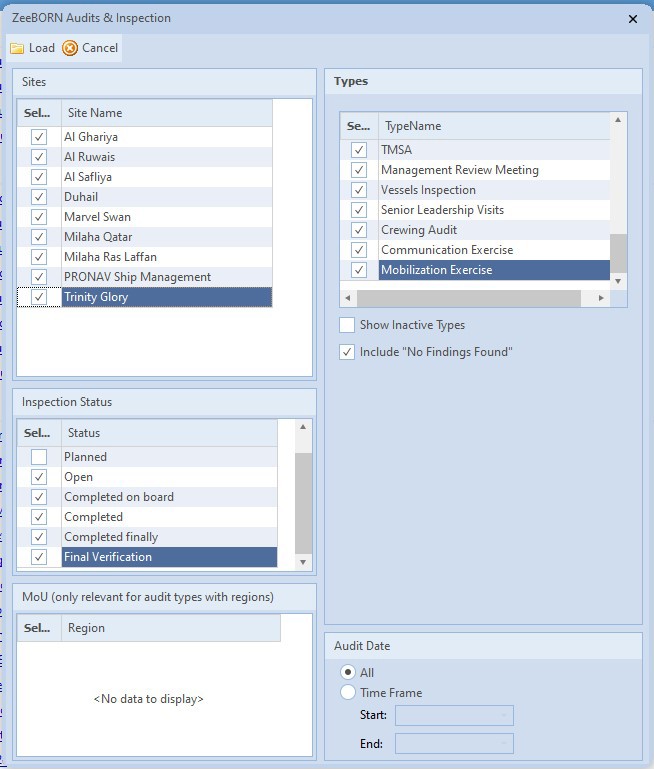
The overview gives you a detailed overview about all inspections and
items. In the screen, you have the option to either show all entries
(in this case just use OK as all fields are marked per default) or
define your loading options by choosing a status, responsible person
or set a time frame for reporting date respectively due date.
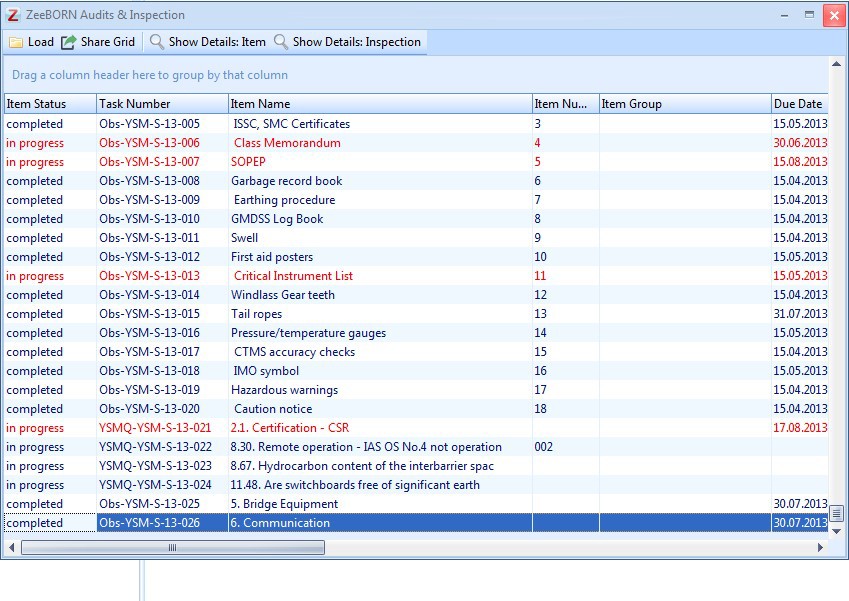
In the following list you may sort according to the several column
headers (e.g. due date) or drag a column header to the top in order to group accordingly. Buttons Show Details Item and Show Details Inspection contain a link to the respective inspection or item.
Check multiple item

With Check multiple item the report Item Overview can be created
for more than one item type.
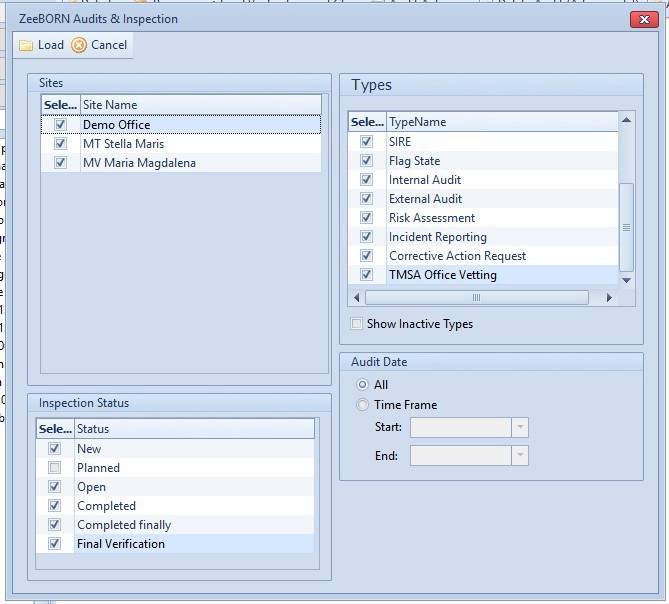
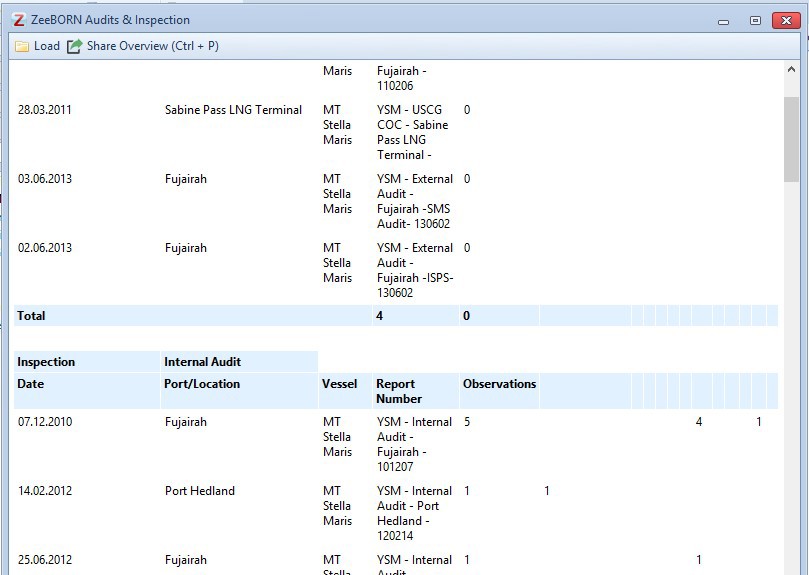
The report gives an overview about all selected audits or inspections.
This report is available
- as normal report:
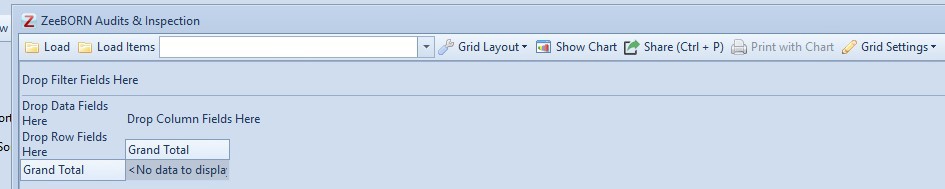
- as Pivot Grid
In Pivot Grid it is possible to make changes on the view of the report as needed.
- and as HMTL view.
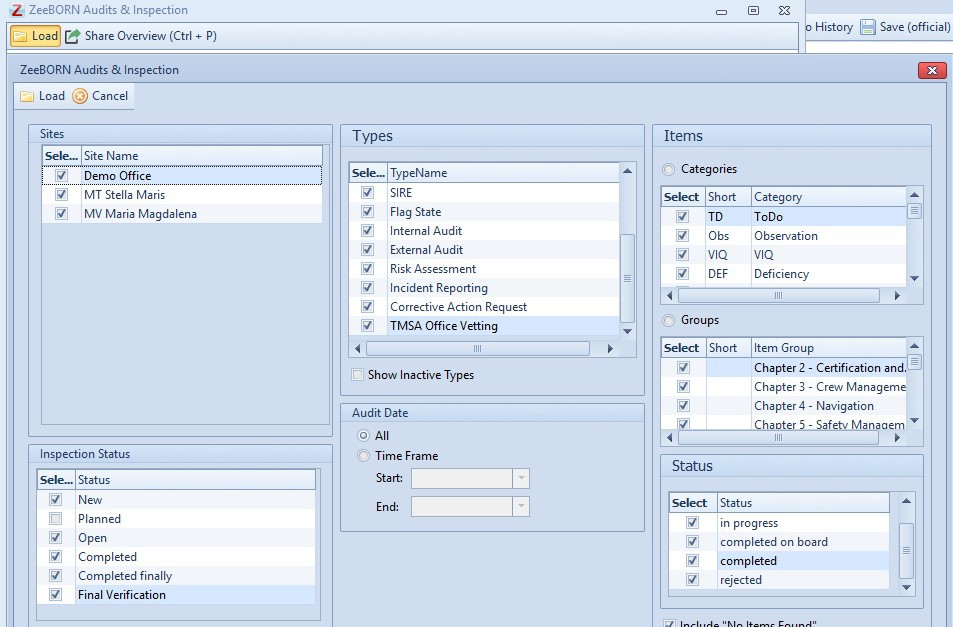
The report is also available in HTML view.
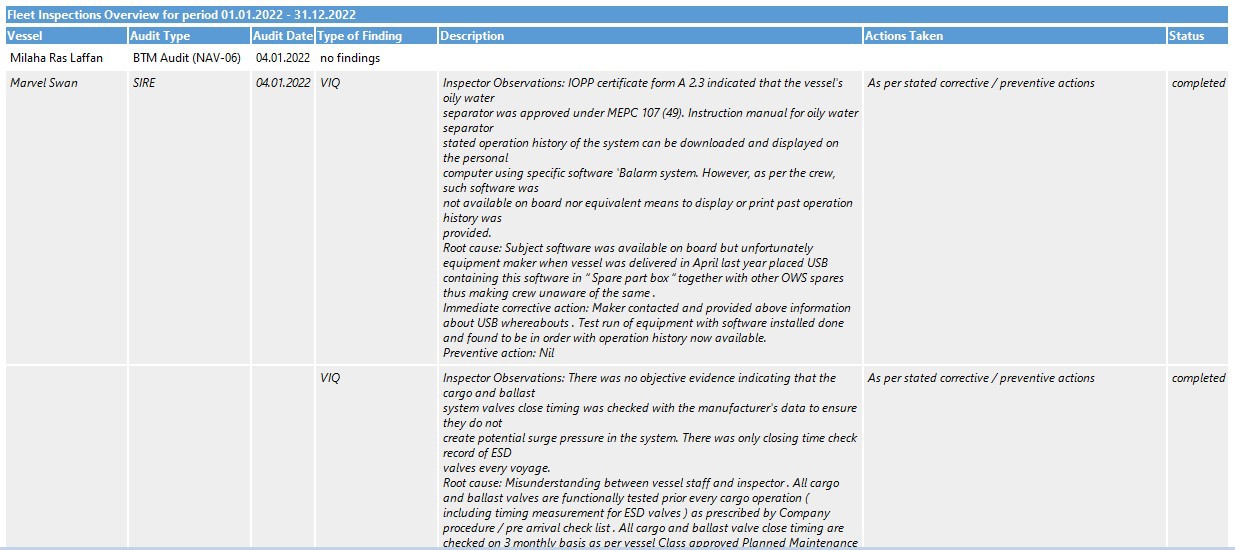
Inspection Overview (with finding details)
The report gives an overview about all selected audits or inspections. For each report all finding details will be shown.
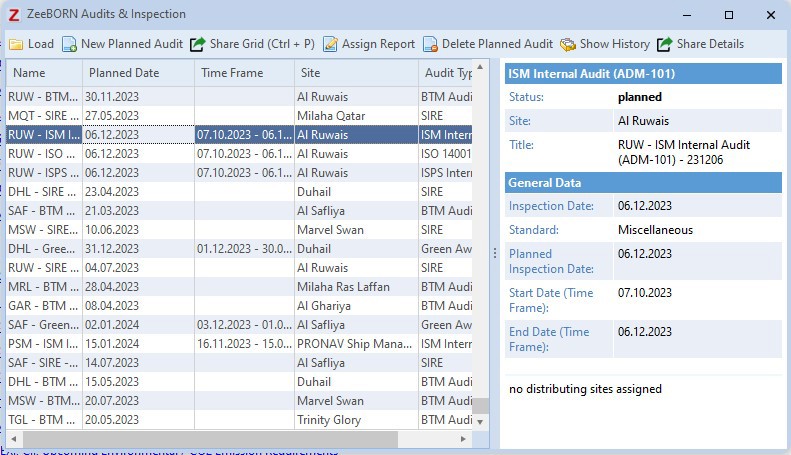
Planned Audits
In this list dates for future, planned audits can be set.
Gives an overview about all planned (and the last) audits. If a time frame for a certain inspection type has been set by the administrator, this will also be shown here.
For time intervals same principle applies as for annual class surveys i.e. you have a screen in which inspection has to be completed (shown in brackets), however, anniversary date will not change for forthcoming inspections.
Audit Schedule Overview
In Audit Schedule Overview you can see the date of the last report of an audit type and the date for the next planned audit, if available.
Unread Audits
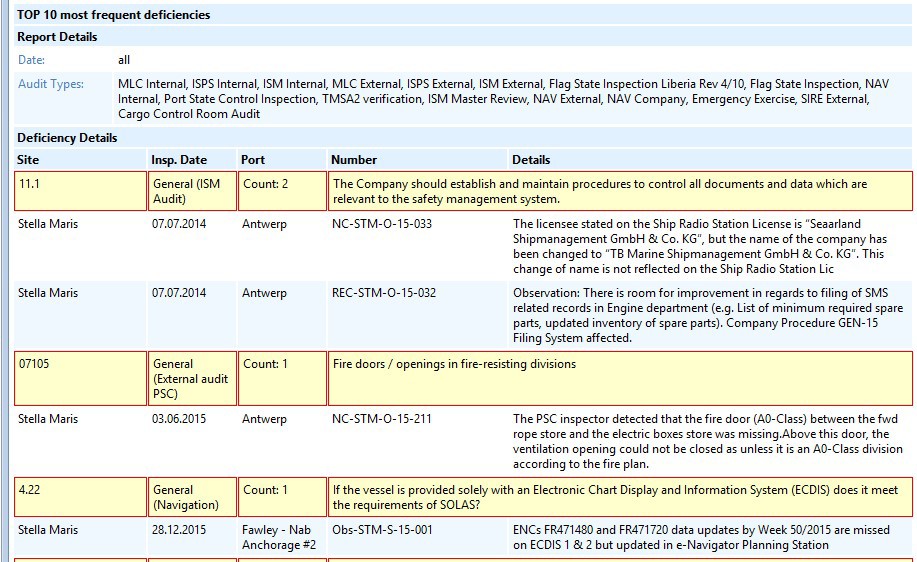
Most Frequent....(Top 10)
The report shows the 10 most frequent deficiencies.
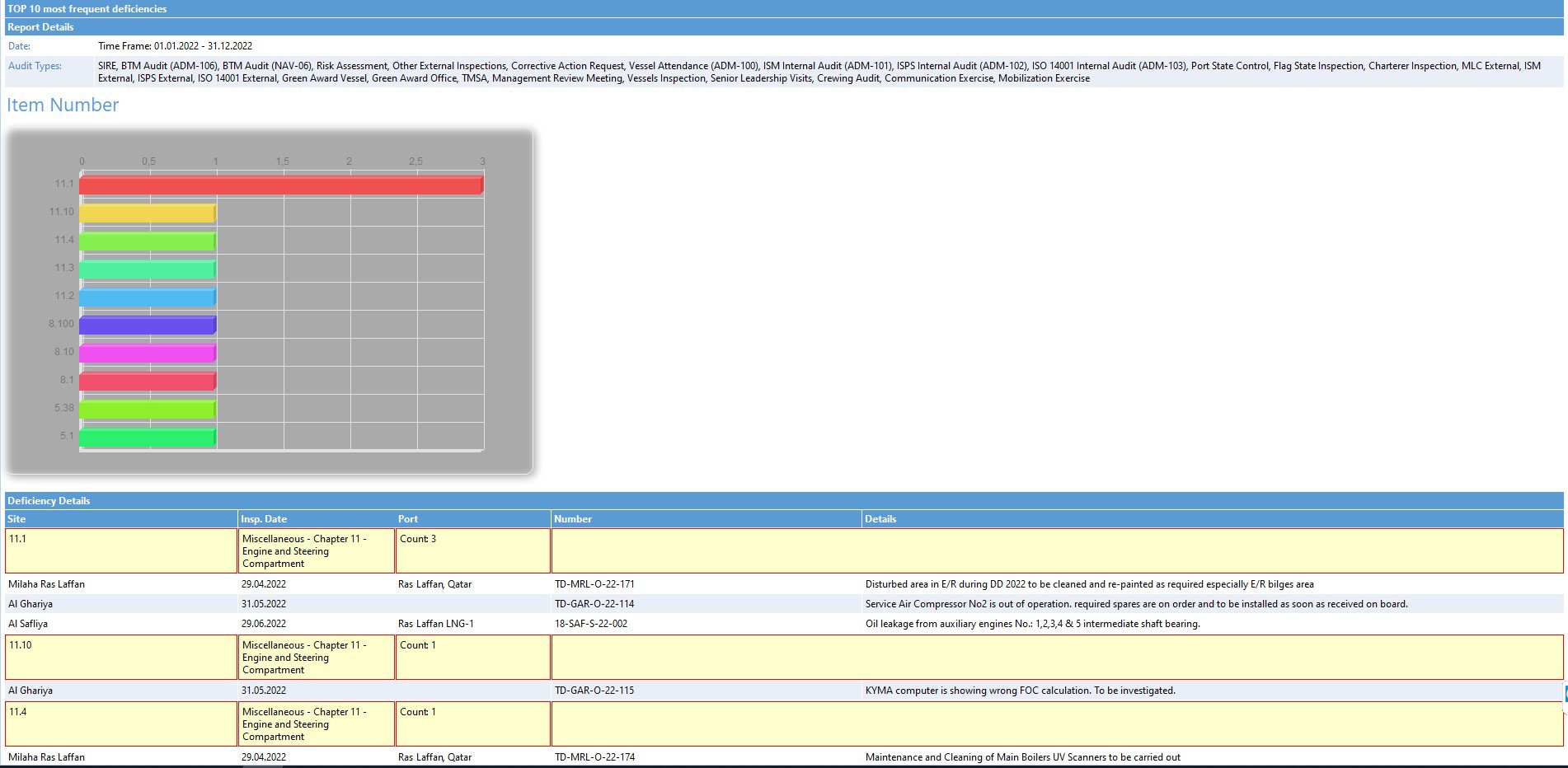
Most Frequent....(Top 10) with Chart
The report shows the 10 most frequent deficiencies with a chart.
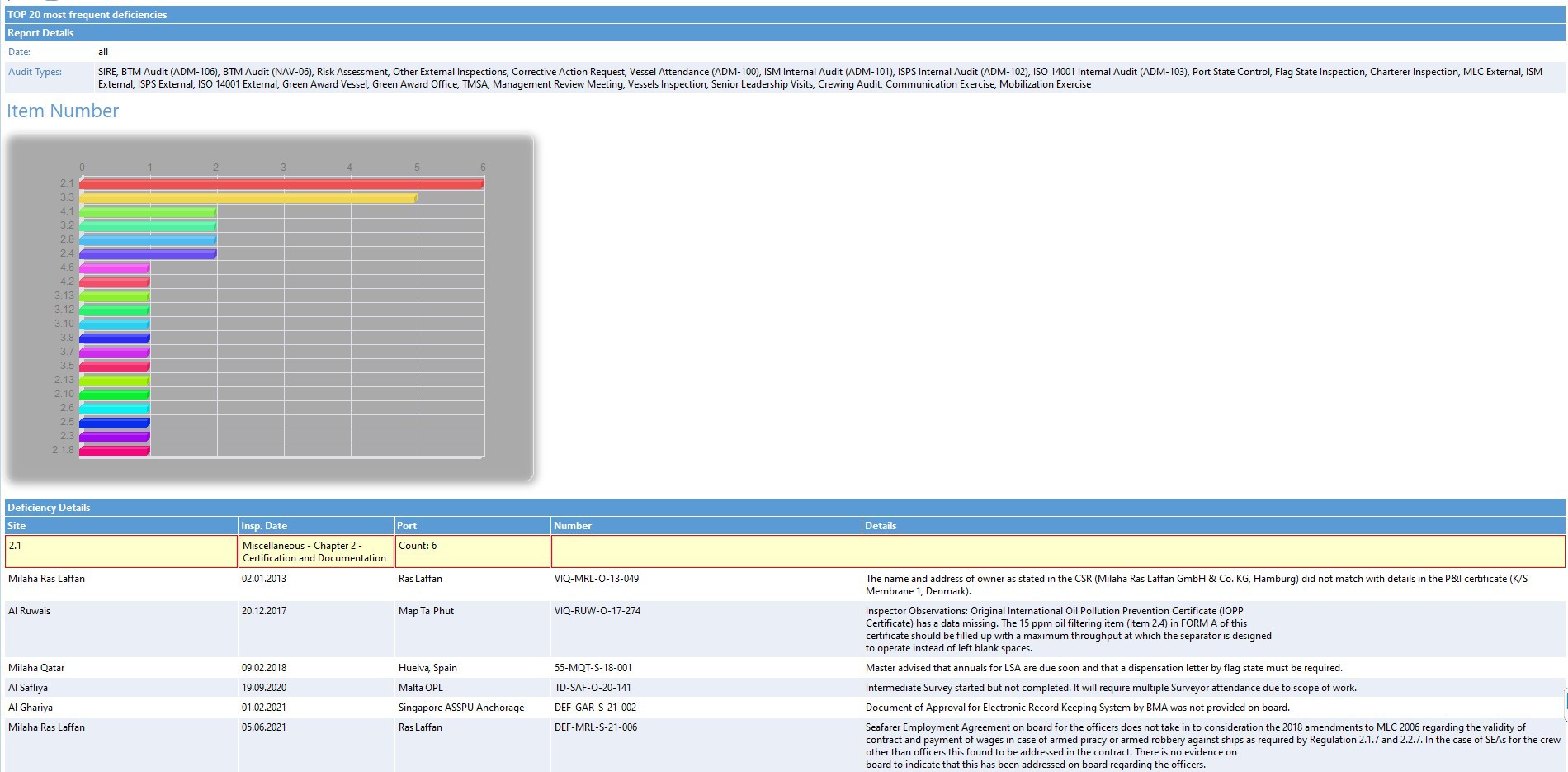
Most Frequent....(Top 20) with Chart
The report shows the 20 most frequent deficiencies with a chart.
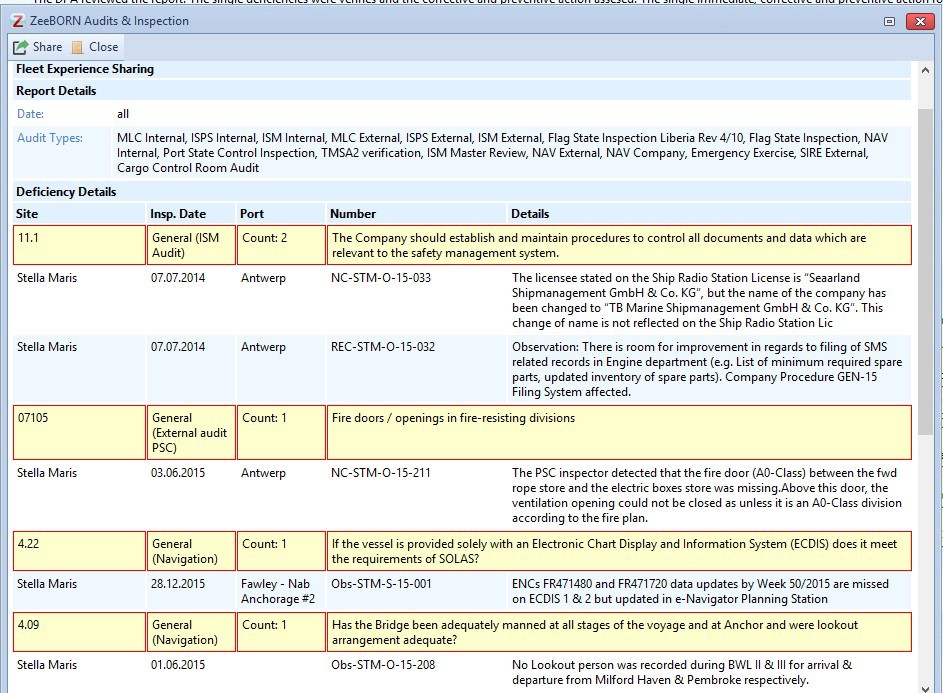
Fleet Experience Sharing
The report gives an overview about deficiencies in order to the selected most frequent.
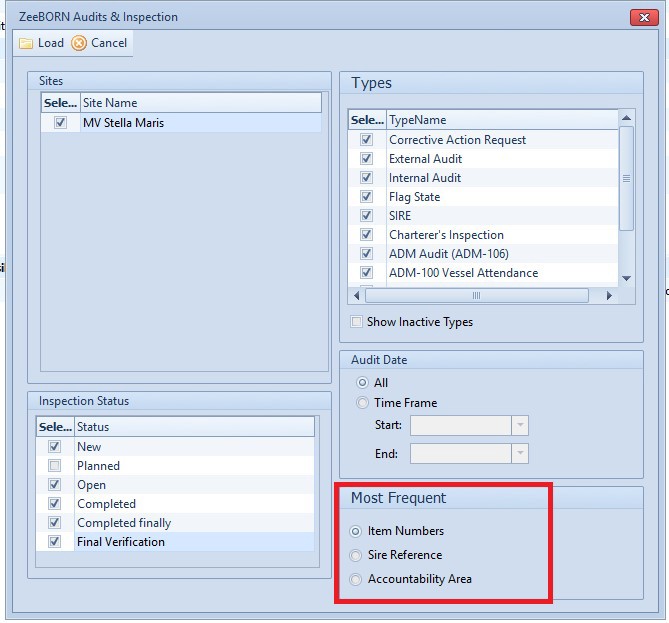
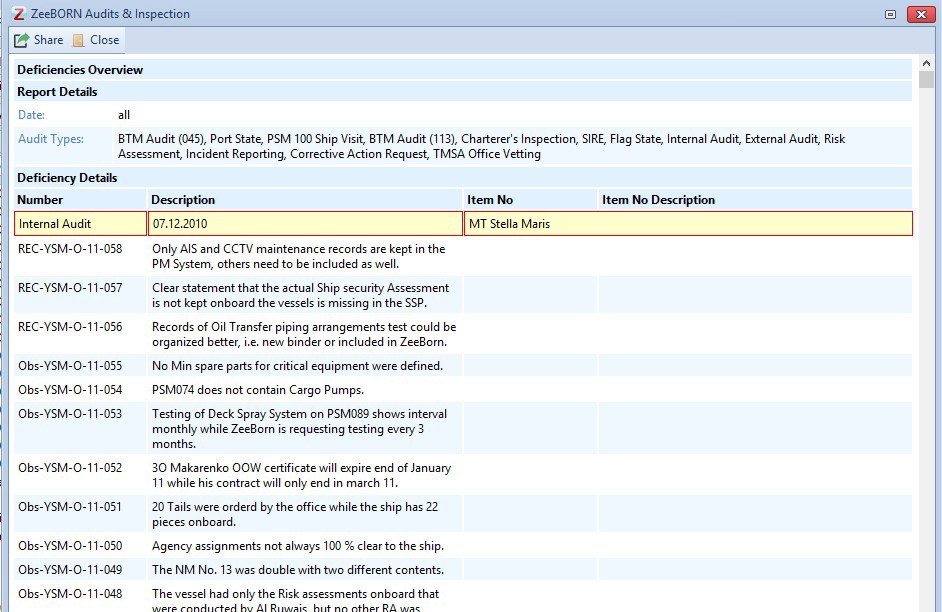
Recurrence Avoidance
An overview will be given about all deficiencies sort by audit type.

Reopened Audits
All reopened audits and inspections will be shown.
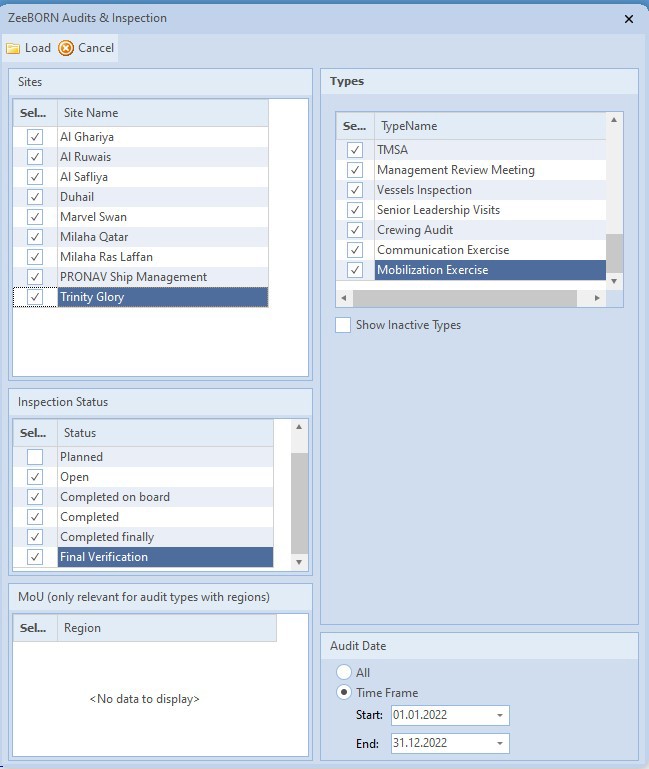
Reports by Date
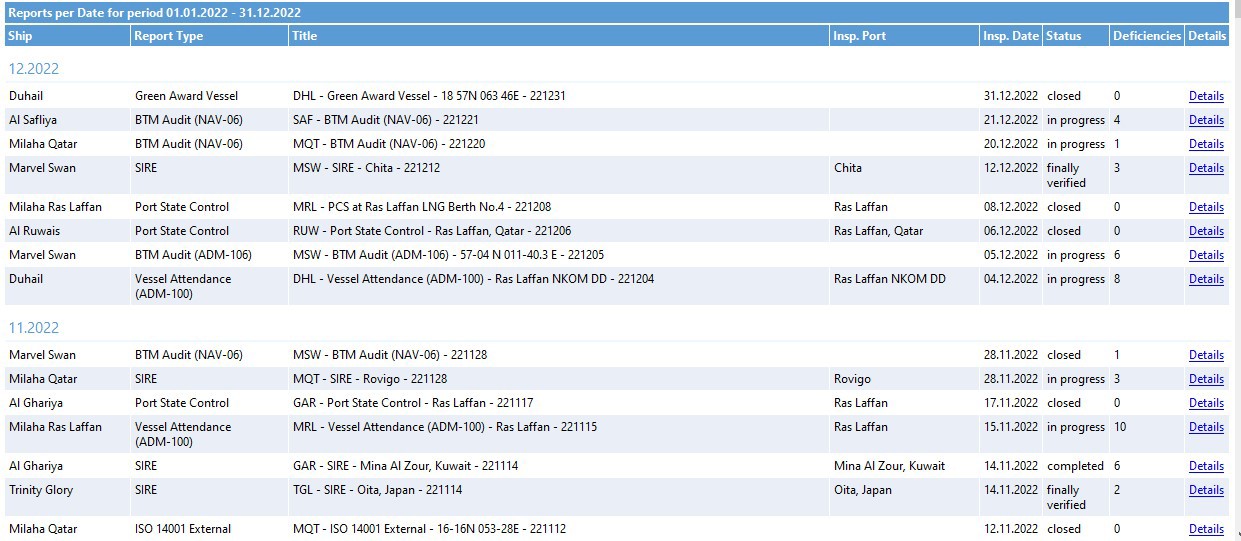
All selected reports will be shown sorted by date. With hyperlink
Details all details of the selected audit/inspection will be shown.
Statistics - Inspections by Inspection Type
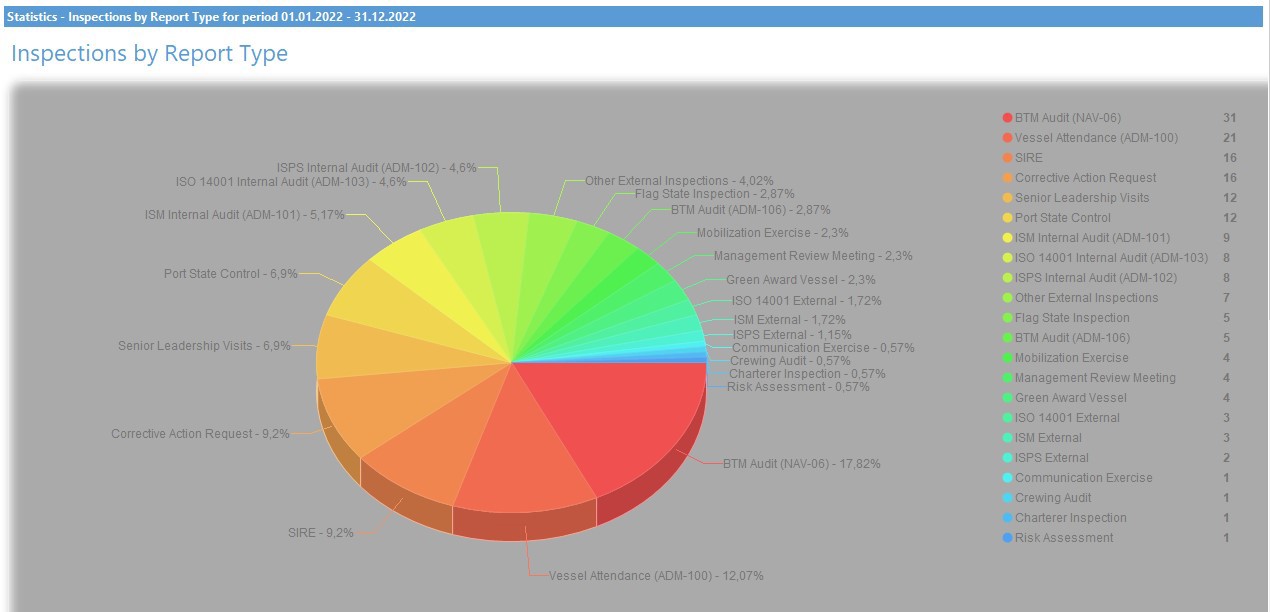
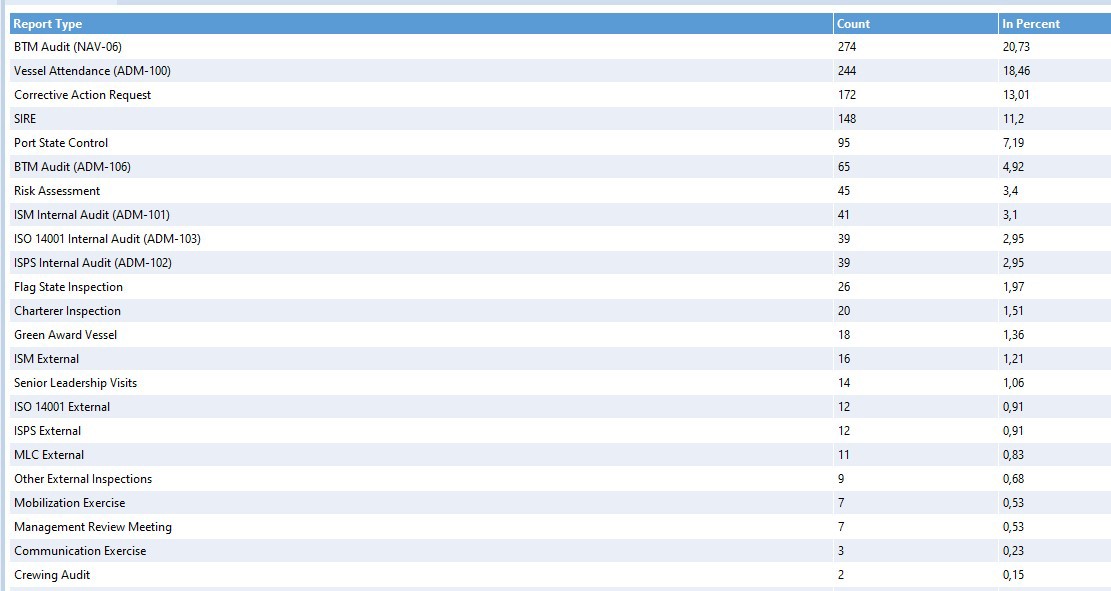
The chart of all inspections/audits will be shown for a chosen time frame.